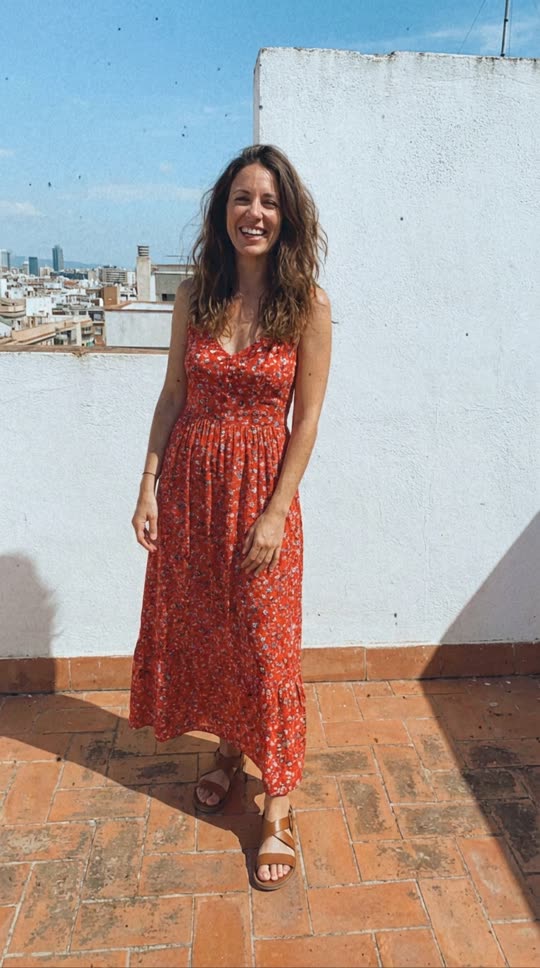
 Your photo
How to Make an AI Dance Video
Three steps with the AI dance video generator, one photo.
- 1
Upload a photo
One person, full body, facing the camera, with space around them.
- 2
Check the price
The price is on the button before you press it. Every video uses the same tested dance, so the motion stays natural.
- 3
Generate
Tick the consent box and press the button. Your AI dance video arrives in My videos as an MP4.
Photo Tips
What makes a photo work well in the AI dance video generator.
Show the whole body
Head to feet in frame. Cropped legs mean the model has to invent them.
Plain background
A wall or an open room works better than a crowd or busy patterns.
Only with consent
Use photos of yourself or people who agreed to it. No public figures and no minors.
The Dance
A calm hand-gesture dance in place: wrists roll and trace circles in front of the chest, palms open outward while the person steps lightly side to side, and it ends with both hands framing the face and a smile. The camera stays still at chest height, the face, outfit and room stay the same as your photo, and a soft electronic beat plays under it.
FAQ
Is the AI dance video generator free?
No. An AI dance video costs 50 credits. New accounts get 1 free Wan 2.2 clip to try the generator.
Can I make my pet dance?
Not with this effect. AI Dance is made for one adult person; use a photo of yourself or of someone who agreed to it. To make a dog or cat dance, use image to video (/image-to-video) and describe the dance.
Can I choose the music?
Not here. The video comes with a soft electronic beat made in the same pass; you can swap in your own track when you post it.
How long does it take?
A few minutes. The page updates on its own when your video is ready.