Animate an old photo
Bring a family picture to life with a slow blink, a smile or a gentle camera drift.
 Your photo
Image to video AI turns one still photo into a moving clip. Upload the photo, describe the motion you want, and pick a model: Wan 2.2 makes 1 free Wan 2.2 clip when you sign up, while Kling 4.0, Veo 3.1 and Seedance 2.5 give longer, sharper takes for paid credits.
Scroll to explore↓Three steps. Your photo is sent only to the model you pick to make the clip, and deleted from our storage within 24 hours.
One subject, good light, the face or product in focus. JPG, PNG or WebP all work.
The model can already see the photo. Tell it what should move: "she turns and smiles", "slow push-in", "steam rises from the cup".
Try it free on Wan 2.2, or choose a paid model for a longer clip. The price is on the button before you generate.
Each image to video AI model treats a photo differently. Kling 4.0 animates a start frame into a long take. Veo 3.1 adds native sound and offers the highest resolution of the group. Seedance 2.5 holds a subject steady across a long clip with sound. Wan 2.2 is the free option for short drafts.
What people use photo to video AI for most.
Bring a family picture to life with a slow blink, a smile or a gentle camera drift.
Turn a headshot into a short clip for a profile, a story or a thank-you message.
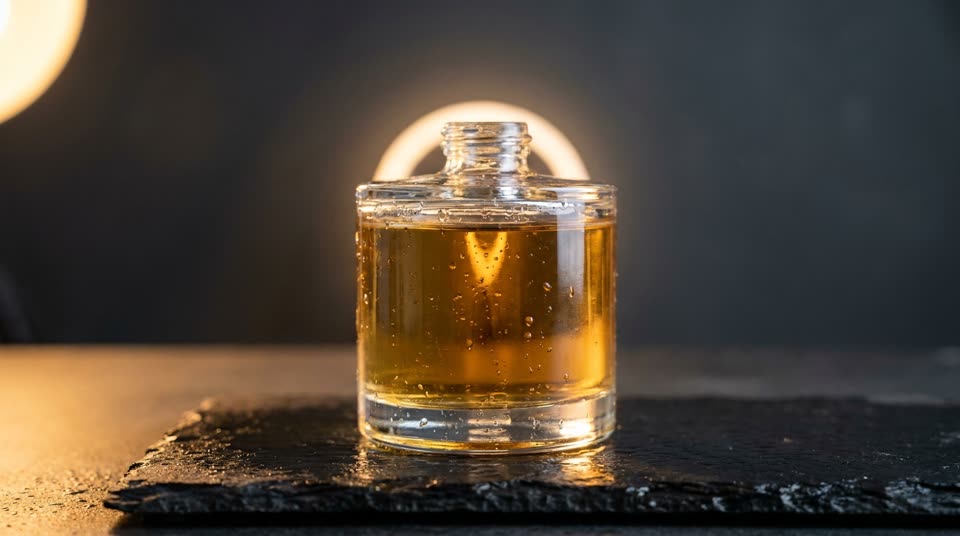
Rotate a bottle, pour a drink, let fabric catch the wind. One photo becomes an ad-ready clip.
Upload a photo of your dog or cat and describe the dance. Veo 3.1 made the clip here from a single photo of a dog.
Yes, to start. New accounts get 1 free Wan 2.2 clip. The paid models use paid credits and show the price before you generate.
Small changes that make the biggest difference.
Sharp, well lit, one clear subject. Busy backgrounds and tiny faces give the model less to hold on to.
Leave space around the subject in the direction it will move. Crop vertical for phones, wide for desktop.
If faces drift or hands melt, shorten the clip or simplify the motion before you try a different model.
Yes. Sign up and use your free Wan 2.2 clips to turn a picture into a short video. Longer or higher resolution clips use a paid model.
Most clips are ready in a few minutes. Longer clips and higher resolutions take longer, and the page updates on its own when your video is done.
JPG, PNG or WebP, up to 8 MB. A sharp photo with one clear subject gives the best motion.
Only with their permission. Do not upload photos of public figures, minors or anyone who has not agreed to it. See the acceptable use policy.
Videos made with paid credits can be used commercially, subject to our terms and the model developer's terms.
Compare every model in the best AI video generator test, browse trending AI videos, or see all AI video models.
Turn your photo into a video.
Wan 2.2 runs on free sign-up credits. Every other model is one balance away.
Start generating